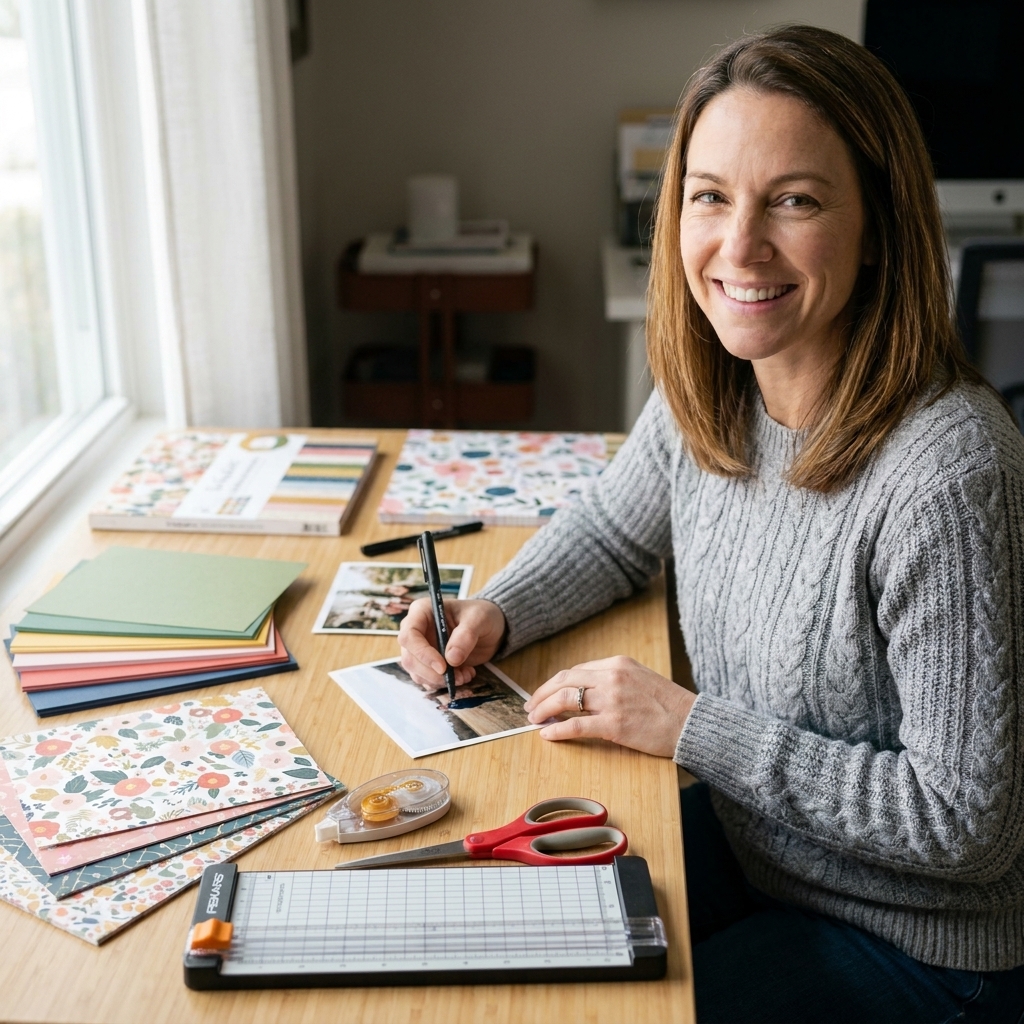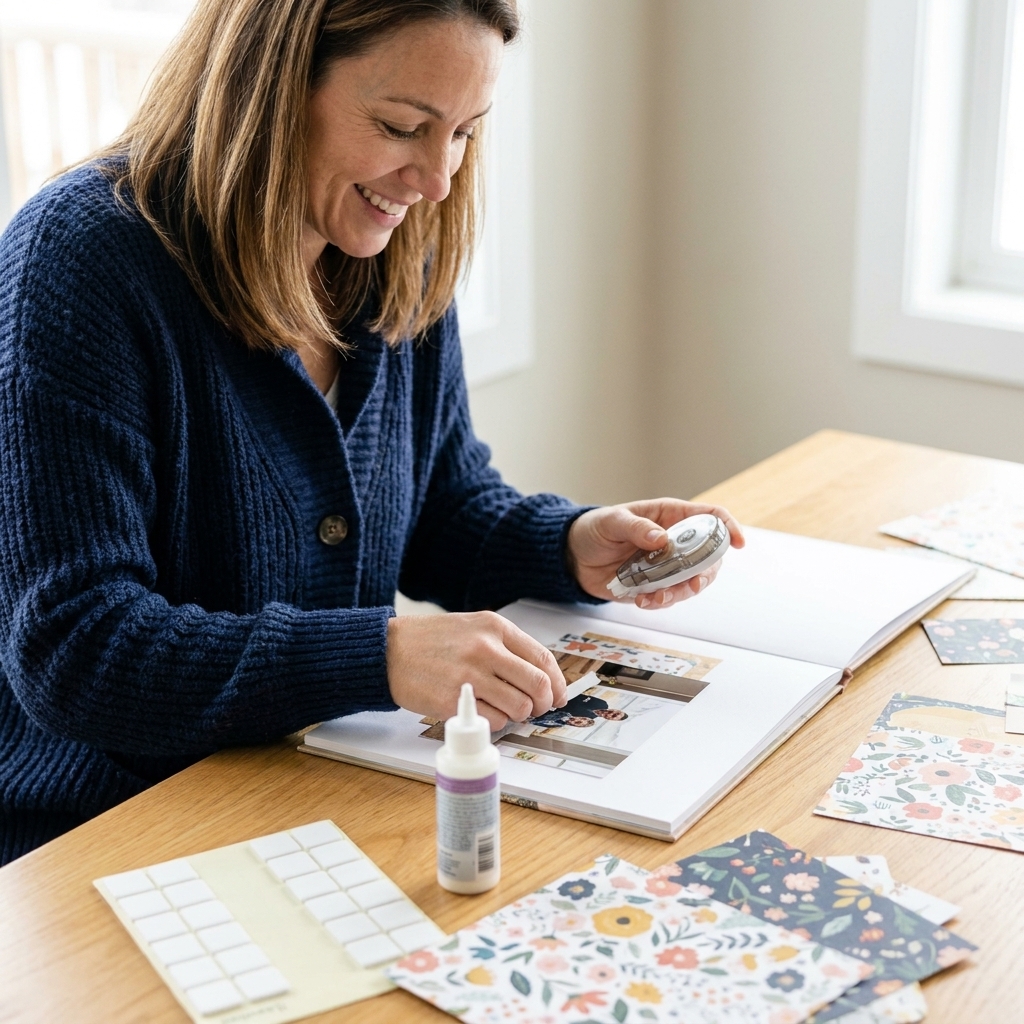
If you have ever sat down to scrapbook and spent the first 45 minutes digging for that one photo, you are in very good company. Printed photos are little time capsules, but they can also turn into a shoebox situation fast. The good news is that photo organization does not have to be a massive, all-weekend project. The best system is the one you will actually keep up with, even when life is busy and the craft table is covered in patterned paper you absolutely needed.
Below are my favorite tried-and-true systems for organizing physical photos so they stay protected and easy to grab when inspiration hits.
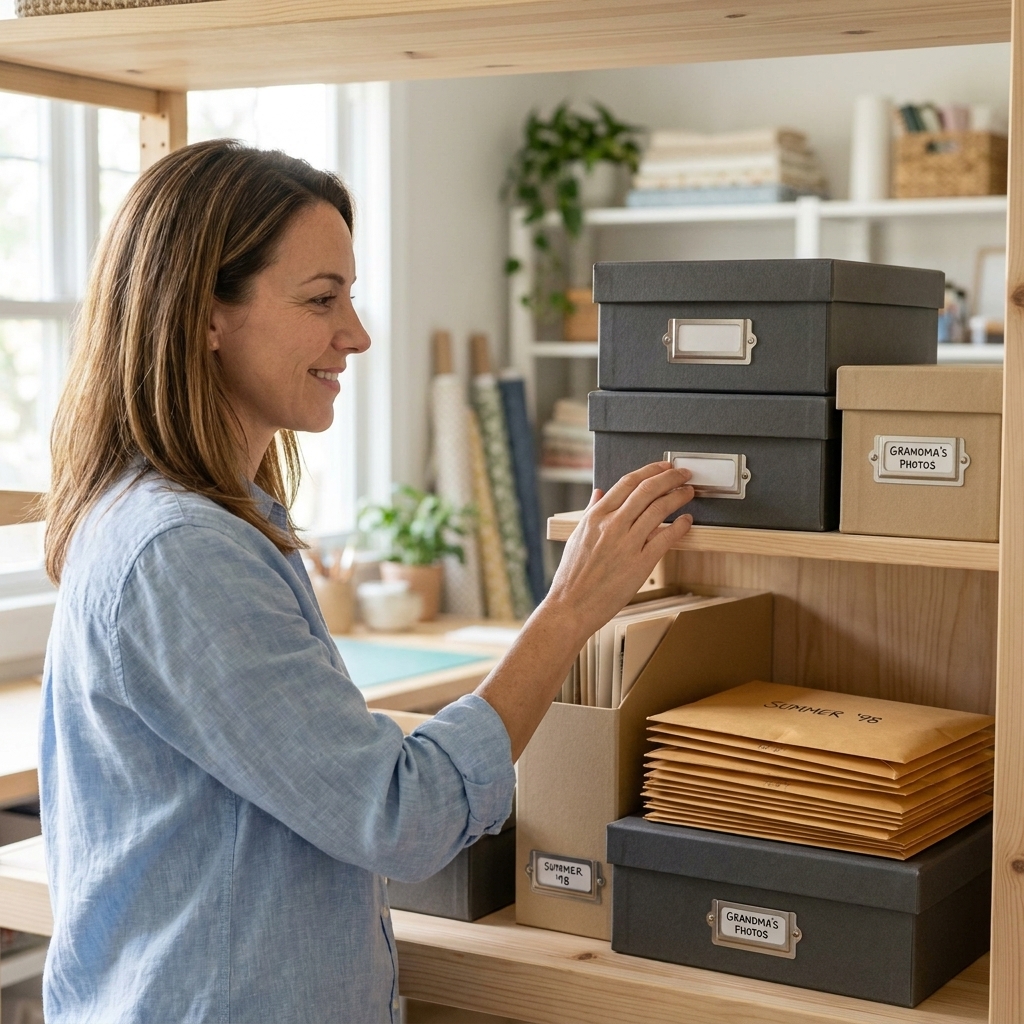
Before you start
Every photo system works better when you do two small prep steps first. Think of this as clearing the runway so you can actually take off.
Step 1: Make one "Inbox" for loose prints
Choose one container where every new batch of prints lands immediately. It can be a lidded photo box, a clean drawer, or a handled bin. The point is that photos stop migrating across the house.
- Rule: loose photos go in the Inbox, not “just for now” on the desk.
- Bonus: keep a pen and a stack of small note cards next to it for quick notes (date, place, names).
Step 2: Pick your sorting spot
Clear a small surface and grab: clean, dry hands (or cotton gloves if you prefer), a soft microfiber cloth (for dusty prints), sticky notes, and a trash or recycling bin for duplicate lab envelopes and receipts.
And please hear me on this: you do not need to sort your whole life in one sitting. Ten minutes at a time counts.
The 4 best systems
There is no one perfect method. Your best match depends on how you scrapbook: chronological memory keeping, themed albums, or a mix of both.
1) Chronological (year and month)
This is the easiest system to maintain long term, especially if you make family albums or Project Life-style pages.
How it works: store photos by year, then by month (or by event inside the month).
- Storage: archival photo cases, expandable file folders, or divided photo boxes.
- Labeling: “2026” then “Jan, Feb, Mar…”
- Best for: scrapbookers who tell the story of a year, season, or family life.
My favorite little trick: If you are not sure of the exact date, label it by season and year, like “Summer 2024”. Future-you will still find it.
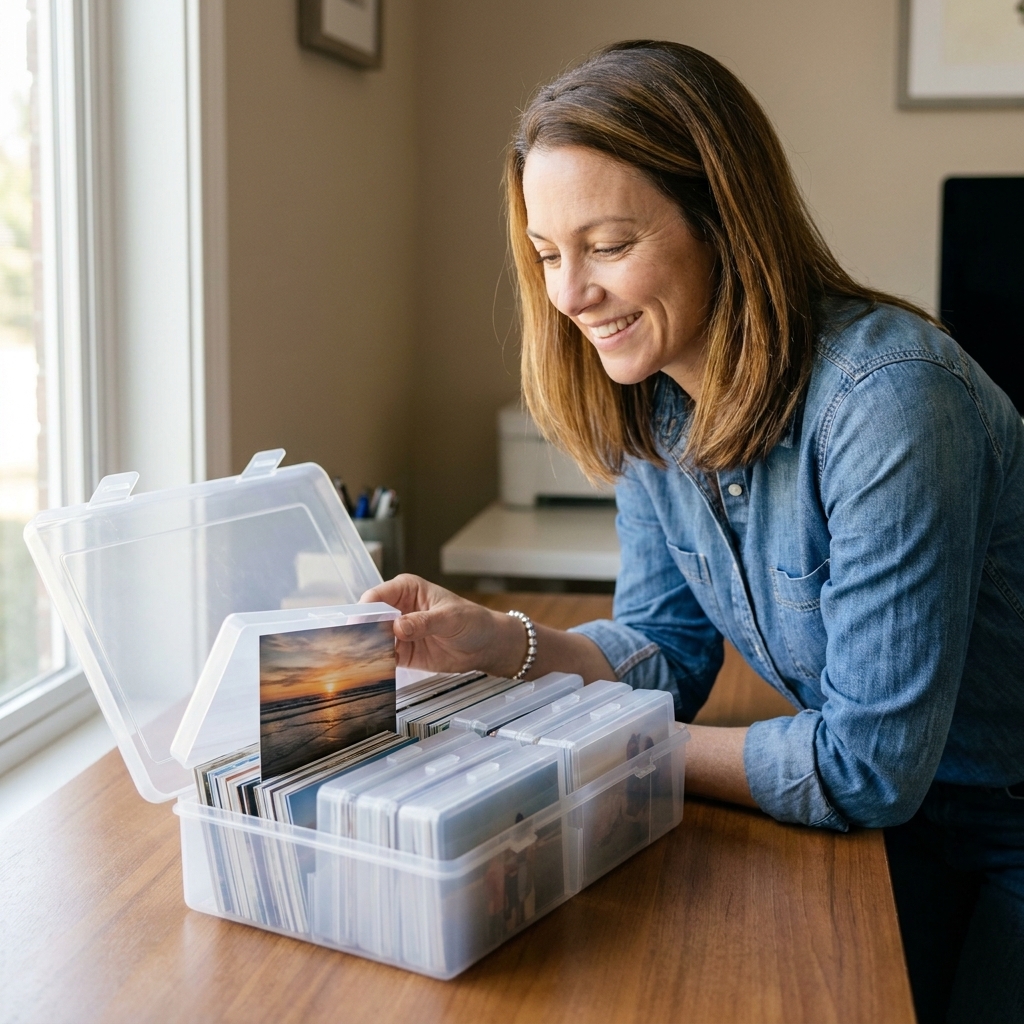
2) Events (birthday, vacation, school, holidays)
If you scrapbook in bursts after a trip, a birthday party, or the holidays, this one feels very natural.
How it works: each event gets its own envelope or mini folder, then those folders live in a larger box.
- Storage: 6x9 envelopes, photo mailers, or letter-size file folders.
- Labeling: event name + location + year (example: “Beach Trip, Outer Banks, 2025”).
- Best for: layout-focused scrapbookers who build albums around big moments.
Keeping it stress-free: do not overthink categories. If you hesitate between “Family” and “Holidays,” pick one and move on. Consistency beats perfection.
3) Themes (pets, grandparents, everyday life, sports)
This is the system for people who love making pages around a topic, a person, or a hobby. It is also amazing if your photos are older and dates are fuzzy.
How it works: sort photos into a handful of broad themes. Keep each theme in its own section of a box or a dedicated container.
- Storage: divided photo boxes or mini albums with slip-in pockets.
- Labeling: “Pets,” “School,” “Family Kitchen Moments,” “Best Friends,” “Home Projects.”
- Best for: memory keepers who scrapbook stories, not timelines.
Tip from my own craft table: if you are a patterned paper hoarder like me, themes make it so much faster to match papers and embellishments. Pull the “Camping” photos, grab your outdoors papers, and you are off.
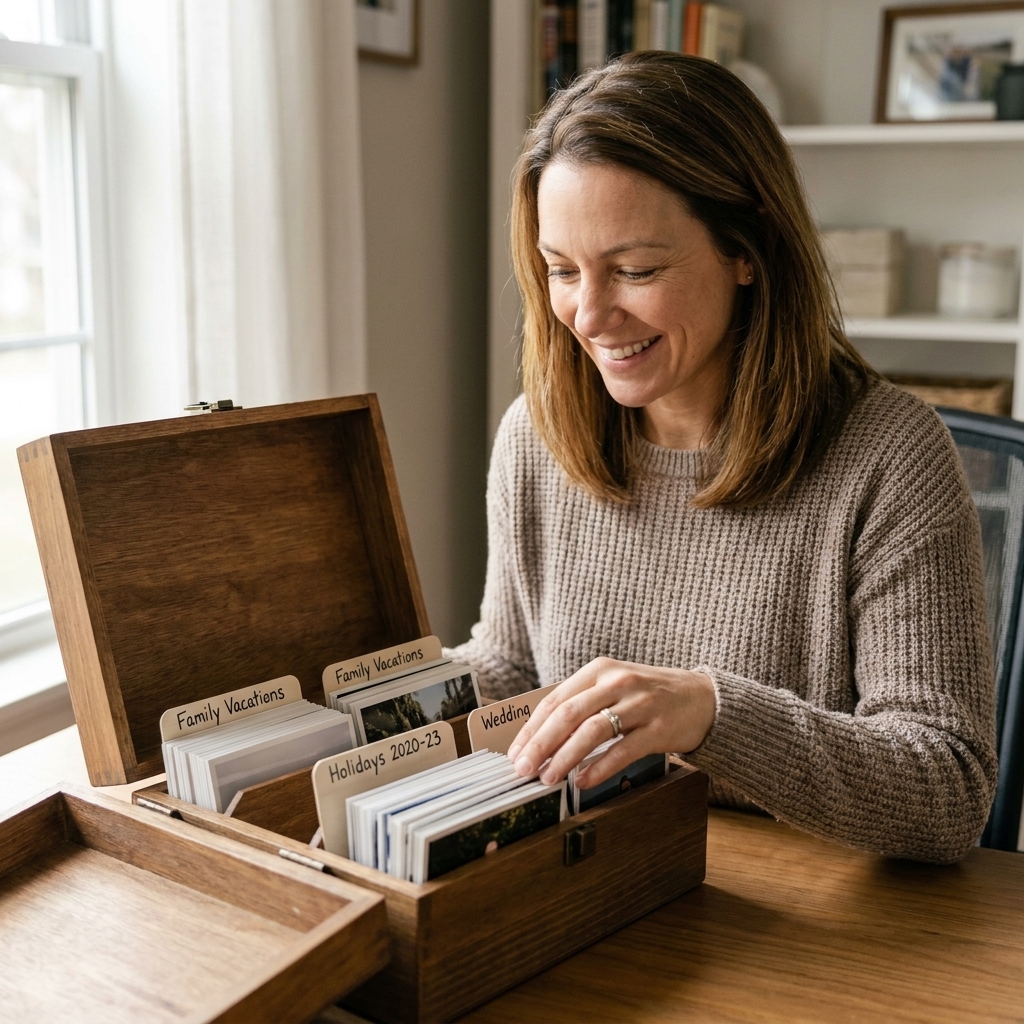
4) Hybrid (my most recommended)
If you want simple but also want to find things quickly, hybrid is the sweet spot.
How it works: store photos by year, then within each year use events (or seasons) as subcategories.
- Example structure: 2023: Winter, Spring, Summer, Fall, Holidays.
- Or: 2024: “Disney Trip,” “Graduation,” “Thanksgiving,” “Weekend Hikes.”
- Best for: most scrapbookers, especially if you bounce between family albums and themed layouts.
Storage that protects prints
Printed photos are often more resilient than we give them credit for, but they can still fade, stick, curl, or pick up fingerprints if stored poorly. Also, not all prints age the same way (lab prints, dye-sub, and home inkjet prints can have different longevity), so good storage habits are always worth it.
Look for photo-safe materials
- Acid-free and lignin-free: helps prevent yellowing over time.
- PAT-tested: look for packaging that says the product was PAT-tested or meets ISO 18916 (PAT). This is usually a manufacturer claim, but it is still a very helpful sign you are in photo-safe territory.
- Polypropylene or polyester sleeves: generally safe choices for photos.
Avoid common troublemakers
- Heat and humidity: skip attics, garages, and damp basements.
- Direct sunlight: lovely for plants, not so lovely for prints.
- PVC/vinyl plastics: they can off-gas and damage photos over time, and they are often mistaken for “just regular plastic.”
- Older self-adhesive "magnetic" albums: these are the classic sticky-page albums that can yellow, dry out, and bond to photos.
- Rubber bands and loose paper clips: they can leave marks or dents.
Where to store them at home
A cool, dry closet inside your living space is usually ideal. I like a shelf where photo boxes can sit flat, with the heaviest boxes on the bottom.
Labeling that helps later
Labeling is the tiny habit that makes your system magical. The goal is not museum-level documentation. It is “I can find this in 30 seconds.”
What to write
- Who: names or relationships (Aunt Jess, Cousin Liam).
- What: event or activity (pumpkin patch, first day of school).
- When: month and year is usually enough.
- Where: city or venue if it matters to the story.
How to label without damage
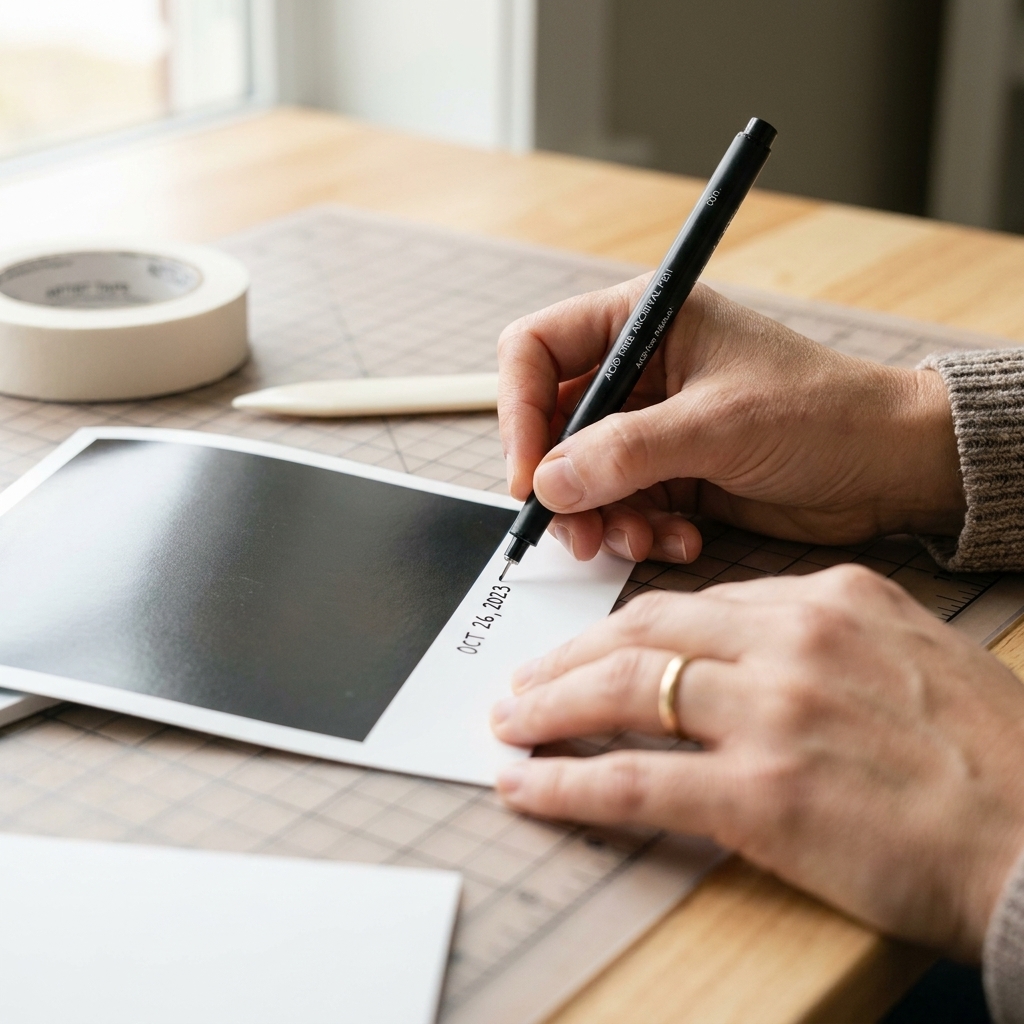
- Best: write on the back with a photo-safe, acid-free pen (test first).
- Also great: tuck a note card behind the stack in an envelope.
- Avoid: ballpoint pens that indent, and markers that can bleed.
A simple workflow
If you want a routine you can keep up with, try this gentle rhythm. It is my “Friday night craft table” method.
The 15-minute photo reset
- Dump: put all loose prints into your Inbox.
- Sort: pick one small stack and sort into three piles: Keep, Duplicate, Unsure.
- Label: add a quick month and year to the back or a note card.
- File: place into your chosen system (year, event, theme, or hybrid).
- Reward: pull five to 10 photos you are excited about and set them aside for your next layout.
When you repeat this a couple times a month, your photo pile never gets scary again.
Duplicates and maybes
This is where many of us get stuck, because every picture feels emotional. I get it. I have kept a ridiculous number of slightly blurry birthday candle photos over the years.
My gentle rules
- Duplicates: keep the best one to two. Use extras for mini albums, kid crafts, or journaling cards.
- Blurry but meaningful: keep it if it tells the story. Scrapbooking is about memory, not perfection.
- “Maybe” photos: give them a temporary home in an “Unsure” envelope and set a calendar reminder to review in three months.
Scrapbook-ready prep
I love a good trimmed photo on a layout, but I also like keeping originals safe. Here is how to have both.
Keep originals intact when you can
- Make copies of prints you plan to crop heavily. Many photo shops can reprint from a scan, and home printers work well for quick duplicates.
- Use photo corners or archival-friendly adhesive so photos can be removed later if needed.
- Store negatives or digital backups separately if you have them.
Quick protection for handled stacks
If you pull the same set of photos often, slip them into a photo-safe sleeve or envelope so they do not pick up fingerprints while you audition them on papers.
Old photos and backups
If you are organizing inherited albums, baby books, or those older prints that feel extra fragile, go slow and give yourself permission to be cautious. These are the ones you cannot reprint.
Scan first when it matters
If a photo is irreplaceable, scan it before you do anything else. A simple, solid baseline is 600 dpi for prints (higher for tiny wallet photos). Save a full-size file, then make copies you feel comfortable cropping for a layout.
Getting photos out of old sticky albums
Those older self-adhesive albums can grip photos like they mean it. If the photos are valuable, consider a conservator or a professional photo lab that offers restoration services. If you choose to try at home, work patiently, lift slowly, and stop if you feel resistance. A thin piece of unwaxed dental floss can sometimes help ease a photo up, but forcing it is how corners tear and emulsion lifts.
Find the right photo fast
This is the whole point, right? You want to sit down, craft, and feel that happy little spark, not go on a scavenger hunt.
Add a “Layout Queue” folder
Create one small container labeled “Next Layouts.” When you find a photo you want to scrapbook soon, drop it in there. The next time you have an hour to craft, you already have a starting point.
Use a simple index card list
If you have years of prints, keep a few index cards in the front of each year box and list what is inside.
- “March: zoo trip, Mom’s birthday”
- “July: lake weekend, fireworks, cousin visit”
No spreadsheets required. Just enough breadcrumbs to get you to the right stack.
Common questions
Organize first, or scrapbook as you go?
If you are feeling stuck, scrapbook as you organize. Pick one event or one month, sort just that batch, and make one layout. Momentum is powerful.
Albums or boxes?
Either works. Albums are great for “done” photos you want to flip through. Boxes are fantastic for “to be scrapped” photos because they store a lot in a small space. Many scrapbookers use both: boxes for sorting, albums for finished pages.
Are plastic bins safe?
It can be, as long as the inner materials touching the photos are archival-friendly. If the bin is not specifically photo-safe, use photo-safe envelopes, sleeves, or cases inside it.
Best print sizes for scrapbooking?
For most 12x12 layouts, a mix is perfect: a couple of 4x6 photos and a few smaller prints. If you love journaling, sprinkle in 3x4 prints for balance.
A quick pep talk
Your photo system does not have to be Pinterest-perfect to be useful. It just has to help you get from memory to layout with less stress. Start with one Inbox, pick one organizing method, and give yourself permission to do it in small, cozy chunks.
And if you find yourself smiling at a photo you forgot you had, that is the whole magic of this hobby. A handmade page really is a hug folded in half, with a little ink and patterned paper love on top.